Like many tech-lovers born in the late 90's, I never truly got to experience the early internet, and yet I have a deep sense of nostalgia for it. I wish I could've seen the era of brightly-colored personal webpages, primitive 3D animations, and the simple authenticity of it all.
Recently I decided to switch my personal computer to Linux. I've always been a huge fan of customization, and so I was exploring some alternate mouse cursors on the internet. That's when I stumbled across a theme called Tumis 3d Crystal, which, to me, perfectly captured that early-3D aesthetic. So I downloaded the cursor theme, installed it, and had a blast playing 200 hours of modded Minecraft with it (among other more important things, like doing work, I guess).

The cursors from the theme
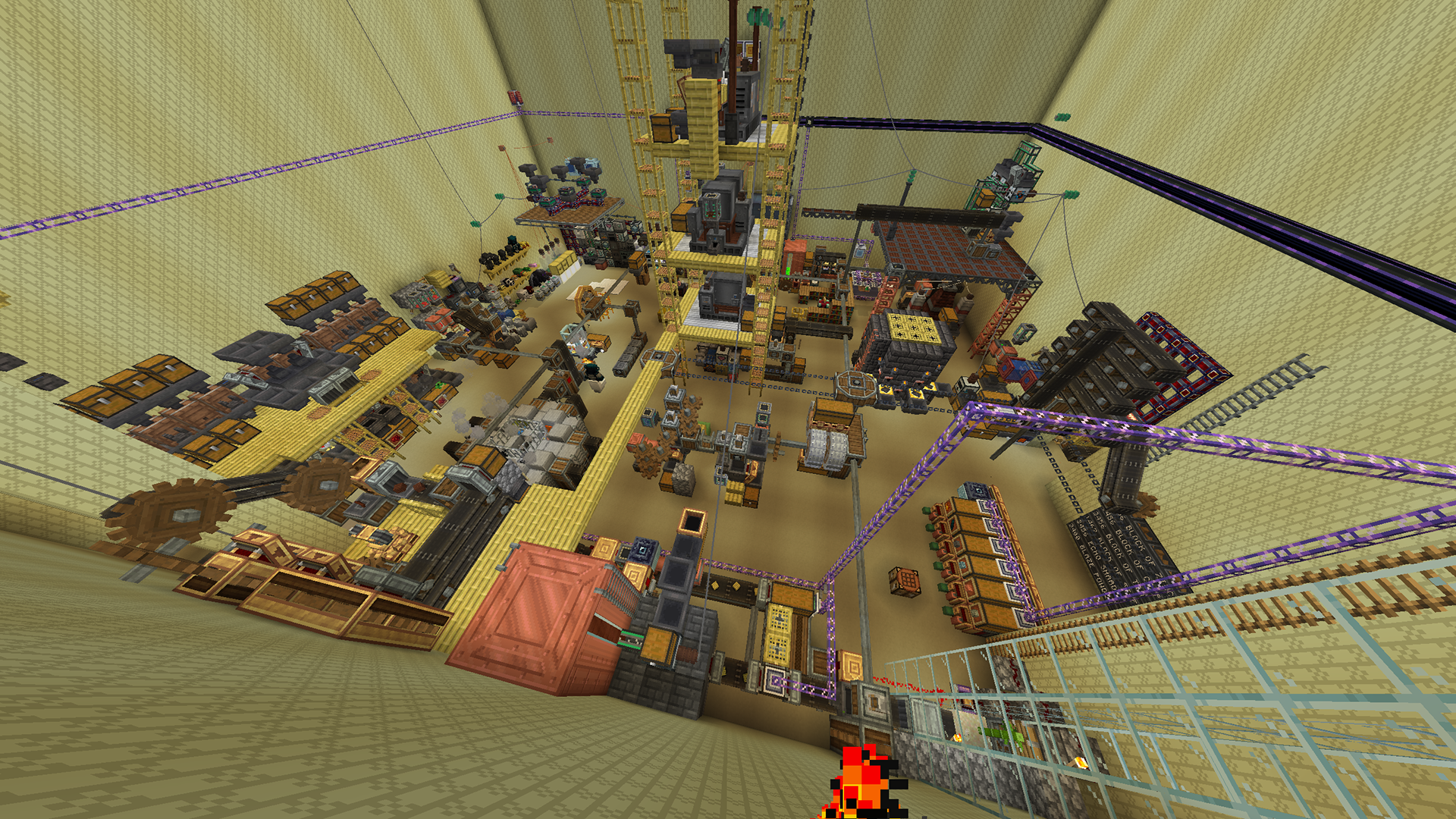
Our chaotic main base at the end of that modpack, Liminal Industries
But one line in the description of that cursor theme kept calling to me: "This is not my work, all credit goes to the original author Tumi."
Who was this Tumi? Had they made other things with the same aesthetic? I had to find out. I searched on various Linux cursor websites but couldn't find much -- despite some of the authors saying they were planning to convert more of Tumi's themes, only the Crystal one seemed to be available.
That's when I found this forum thread from, unbelievably, less than 3 years ago (2023) where a very helpful person compiled a huge number of Tumi's cursors in one convenient place. Finally, I had all(?) the cursors. Dozens of themes filled with gorgeous early-3D animated cursors. The copyright date on some of the readme files says 1999! I was only one year old at the time.
Unfortunately for me, the themes can only be installed via .reg files (Windows-only, and they almost certainly don't even work anymore), and all the images are in the .ani format (unusable for modern cursor themes). That's when I finally gave up, right? Wrong! That's when I opened up Python.
It took a lot of research, some trial-and-error, a little virtual environment finagling, and a lot of "remembering how to use Python," but I was able to get it fully working in just a few days! I'm very proud of how I was able to stitch together so many functions and modules made by completely different people to accomplish my goal.
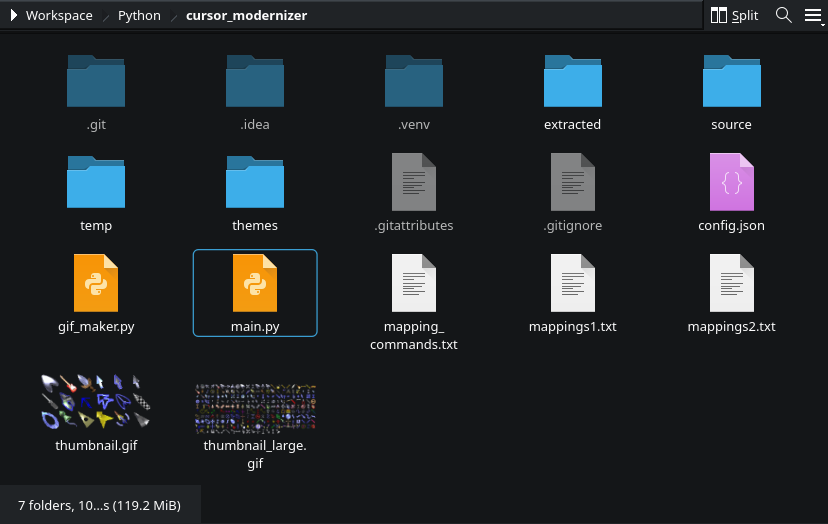
The final project directory
The program works like this:
1) Automatically extract the zip files into a new directory.
2) Do some post-processing on the extracted files. For example, one of the themes extracts a cursor as an empty file, so we delete it. Two other themes have some alternate color schemes, we separate those out into different folders.
3) Look through every extracted .ani file and figure out its corresponding theme and function from its filename. Create the necessary folders, then use the module ani_file made by HoangEevee to convert each frame into a .cur file.
4) For every generated .cur file, use ImageMagick to convert it into three .png files with resolutions of 32x32, 40x40, and 48x48. In this case I use subprocess.Popen() to run many commands in parallel.
5) Following this guide for making cursors for KDE, create a new text file that contains a list of all the .png images for a given cursor type, along with their "hotspot" xy-coordinates and animation timing, which are extracted from the .cur files generated earlier.
6) Run xcursorgen on that text file to create an actual usable cursor file.
7) For each theme, create many symbolic links with names that the OS can understand, but that all ultimately point to the generated cursors. The link names are loaded from additional configuration files that I generated by looking at a stock cursor theme.
8) For each theme, create a master theme file with a description, and then add it and the folder of cursors and symbolic links to a compression archive.
9) Once all the cursors are done, save out the resulting .tar.gz file, and it's done!
10) As a bonus, I made a script to generate a thumbnail by picking a few compatible cursor themes, calculating the least common multiple of their framecounts in order to create a looping animation, pasting all the generated .pngs into an array of PIL images, then saving that as a transparent .gif.
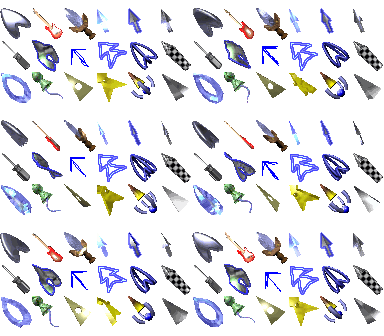
Soon I'll upload this project to Github, along with the generated cursors, so other people can enjoy them too! In the meantime, here's a collage of many of the cursors my program generated:


Much wow. So early 2000's. Very 3D.